The difference between AI tooling and AI systems (and why it matters for enterprise)
Martyn Taylor
19 April 2026
5 min read
Every enterprise AI conversation eventually arrives at the same fork in the road. On one side: tools. On the other: systems. Most organisations don't realise they're choosing between them until they've already built the wrong one.
What's a tool?
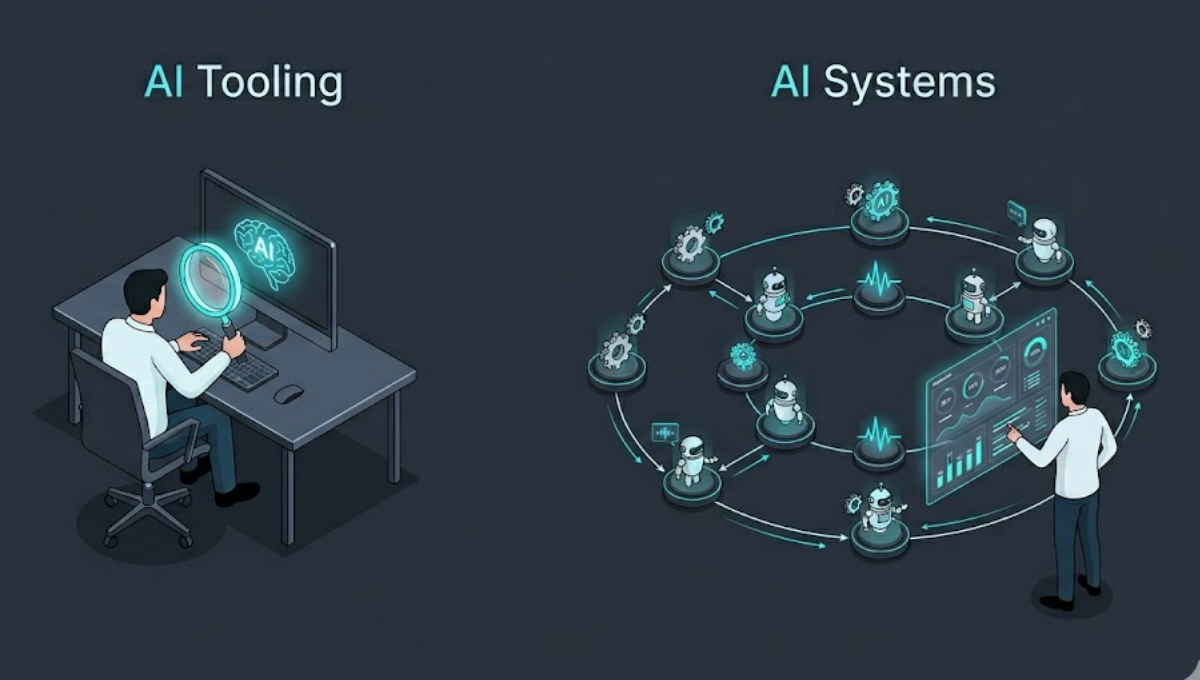
An AI tool is anything that augments a human's workflow. A writing assistant. A code autocomplete. A document summariser. A chatbot that answers questions about your internal knowledge base.
Tools are valuable. They save time. They lower the floor of what one person can get done in a day.
But they share a structural property: a human has to drive them.
Someone opens the tool, asks the question, reads the answer, decides what to do with it, and then does it. The AI is a very smart search and synthesis engine. The human is still the process.
What's a system?
An AI system is a set of agents with defined roles, tools they can call, and a workflow that governs how they hand off work to each other — running autonomously toward an objective.
Instead of “a human asks the AI a question,” you have: “a trigger fires, agents collaborate, work gets done, a human reviews the output.”
The distinction is subtle but the operational implications are enormous:
- Presence vs. autonomy. A tool needs a person present to be useful. A system produces value whether or not anyone is watching.
- Stateless vs. persistent. A tool starts fresh every time. A system maintains context, checkpoints, and history across sessions.
- Graceful exit vs. guaranteed uptime. When someone stops using a tool, nothing breaks. A system needs reliability guarantees, error recovery, and audit trails.
- Individual productivity vs. business outcomes. Tools are measured by how much they help one person. Systems are measured by operational results.
Why this matters for enterprise
Enterprise buyers don't buy software to help individuals be slightly more productive. They buy software to run operations.
The ROI conversation for AI tooling is always a bit uncomfortable: “Your analysts will write prompts faster?” Great. You've saved some keystrokes. What did that cost you in licences, change management, and IT security review?
The ROI conversation for AI systems is different: “Your competitive intelligence workflow runs every morning. It monitors 50 sources, summarises what matters, flags anomalies, and delivers a briefing to your team — without anyone touching it.” Now you're talking about replacing a recurring operational cost, not augmenting one person.
This is why the enterprise AI market is bifurcating. One tier is tooling — copilots bolted on to existing software. The other tier is systems — new operational capabilities that didn't exist before.
The hybrid trap
Most enterprise AI projects start as tooling and try to become systems without a deliberate architecture change.
You start with a chatbot. Users love it. Someone asks: “Can it just run automatically every day and email us the summary?” You add a cron job. Then someone asks: “Can it pull from our CRM too?” You add an integration. Then: “What if it needs to ask a follow-up question?” Now you're building state management. Then: “We need to know what it did last Tuesday for the audit.” Now you're building observability.
Six months later you have a tangle of prompts, cron jobs, webhook handlers, and Slack notifications that nobody fully understands — with no way to test it, no way to version it, and no way to hand it off when the person who built it leaves.
This isn't a failure of AI. It's a failure of architecture.
What a proper AI system looks like
At minimum, a production AI system needs:
- Defined agents with explicit roles, system prompts, and tool access — not one “do everything” prompt
- Workflow orchestration — a graph of how work flows between agents, with clear handoff conditions
- Human-in-the-loop gates — places where the system pauses and asks for approval before continuing
- Execution visibility — observability into what each agent did, in what order, with what inputs and outputs
- State and checkpointing — the ability to resume after failure without starting over
- Versioning — a way to change the system without breaking running workflows
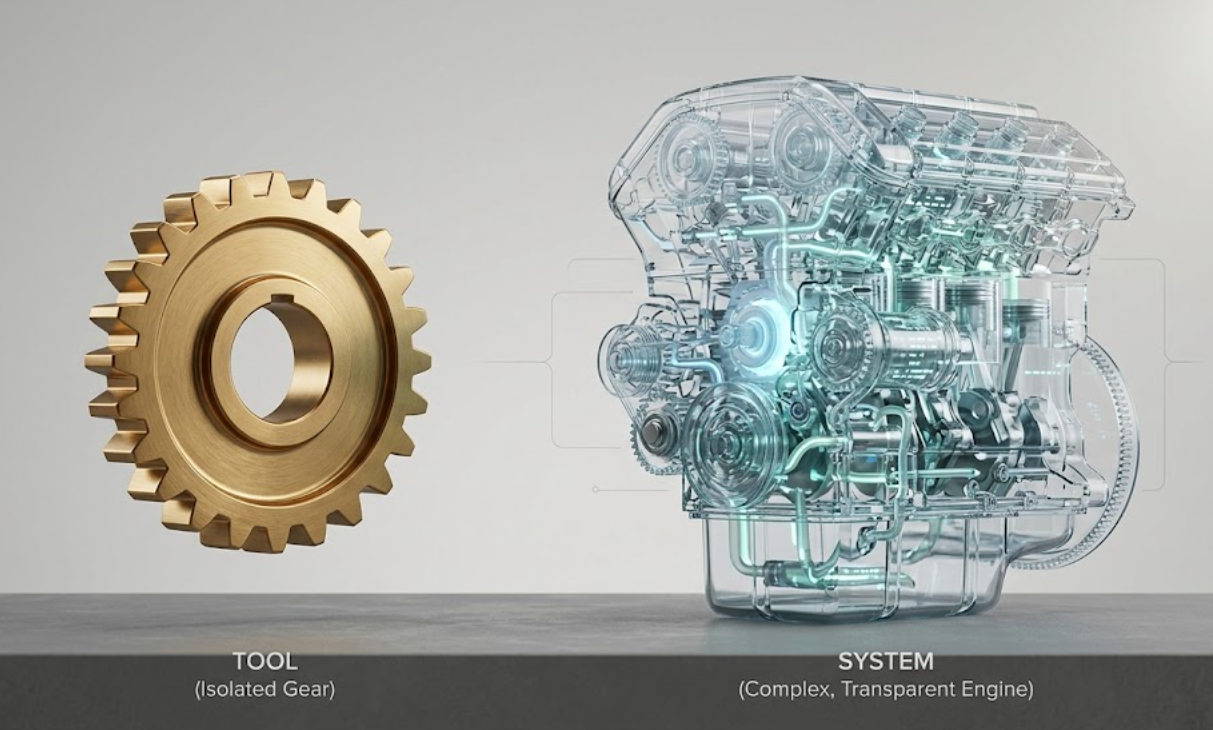
If you're building enterprise AI without all six, you're building tooling and calling it a system. That's fine for prototypes. It's a liability in production.
The honest reason most companies stay in tooling
Systems are harder to build. The tooling story is easier to sell internally: “We're adding AI to our existing workflows.” The systems story requires someone to say: “We're rebuilding how this operation works.”
That's a bigger conversation. It requires more stakeholders, more design work, more testing, and more ongoing ownership.
But the delta in business value is not small. Tooling compounds individual productivity linearly. Systems compound operational capacity exponentially.
The enterprises that figure this out first will look back at the tooling era the way we look back at database-per-department spreadsheets: a necessary first step, but not where the real value was.
FYAI is in closed beta
If your agents are building faster than you can check their work, we should talk.
Request access